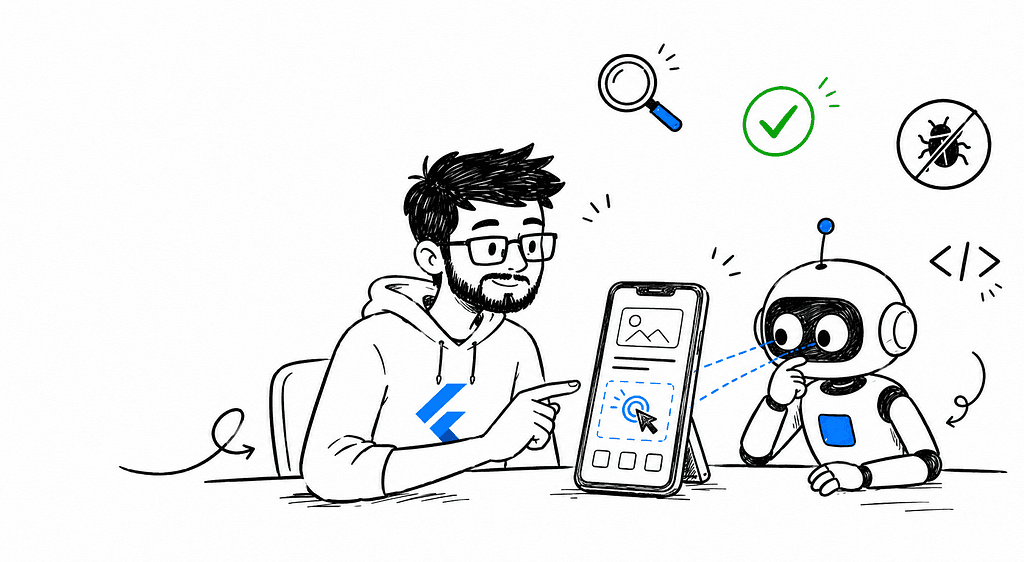
“Your AI agent can write the code. It just can’t see if the button actually works.”

I built OpenMob at my last company. Back then, the problem was simple: QA needed a way to control and inspect real devices without a human tapping through every flow by hand.
That problem hasn’t changed. But my reason for opening this repo every day has.
Now it’s not a QA tool. It’s how I give my AI coding agents an actual eye on my device — so when I ask for a fix, they’re not guessing. They’re looking.
The Problem Nobody Talks About With Agentic Coding 🕶️
Claude Code, Cursor, Codex, Gemini — all of them can write mobile app code fast. Genuinely fast.
What they can’t do is see the device.
They can’t tell you if a button actually responds to a tap. They can’t tell you if a layout looks broken on a real screen. They can’t tell you if a login flow actually succeeds, or just compiles like it should.
They’re coding blind. And “it compiles” has never once meant “it works.”
Why I Originally Built It 🛠️
At my last company, this exact gap was a QA bottleneck. Manual testers tapping through the same flows, on the same devices, over and over, every release. Slow, repetitive, and expensive in a way that never showed up as a line item until you added up the hours.
So I built a bridge: something that could give any tool — human or AI — real control over a real device. Screenshot it. Read its UI tree. Tap it. Type into it. Kill an app, install an APK, pull a log, wait for an element to appear.
At the time, that was a QA problem. Today, with agentic coding tools writing most of my Flutter code, it turned into something else entirely.
What OpenMob Actually Does 📲
OpenMob gives AI agents eyes and hands on a real Android or iOS device. Free, self-hosted, fully open source.
It’s three pieces working together:
- OpenMob Hub — a Flutter desktop app that’s the brain. Auto-discovers devices over USB/WiFi/emulator, runs a local HTTP API with 43 endpoints, and auto-installs everything it needs on first launch.
- MCP Server — a TypeScript bridge exposing 25 tools to any MCP-compatible AI tool: Claude Desktop, Claude Code, Cursor, Windsurf, VS Code Copilot, Codex CLI, Gemini CLI.
- AiBridge — an optional Rust CLI that wraps terminal AI agents in a pseudo-terminal and injects context while they’re idle.
The agent doesn’t just get raw JSON back either. Every tool call returns an NLP-friendly summary — “Tapped the Login button” instead of a coordinate dump — so the response is actually useful to a reasoning model, not just a script.
What My Agents Can Actually Do With It 🧠
This is the part that changed my daily workflow the most. My AI agent can now:
- See — capture a screenshot, read the accessibility UI tree, check the current foreground screen, read notifications, detect if the keyboard is up
- Touch — tap by element or coordinate, type into any focused field, swipe, long-press, drag and drop, press hardware keys
- Manage apps — launch, kill, install an APK, uninstall, clear app data, grant permissions, list installed apps
- Navigate — open deep links, go home, unlock the device
- Debug — read filtered logcat output, wait for a specific element to appear before proceeding
- Test — push/pull files, toggle WiFi and airplane mode, rotate the screen, record video, run structured multi-step test scripts with pass/fail results
I don’t say “fix this widget” anymore and hope for the best. I say fix it, and the agent taps through the actual flow, reads the actual screen, and tells me — accurately — whether it worked.
Why I Didn’t Just Use MobAI ⚖️
MobAI already solves a version of this problem, and it’s a solid product. But the constraints didn’t fit how I actually work:
MobAI Free MobAI Pro ($9.99/mo) OpenMob Devices 1 Unlimited Unlimited Daily quota 100 points Unlimited Unlimited Machines 1 3 Unlimited MCP tools 12 12 25 Offline mode No 7 days Always offline Source Closed Closed MIT licensed Telemetry Yes Yes None Cloud dependency Required Required None Price Free (limited) $99/year Free forever
A daily points quota doesn’t make sense when your AI agent might tap through a flow forty times in an hour chasing one bug. A cloud dependency doesn’t make sense when I want this running the same way on a plane as it does at my desk. And a closed-source desktop app doesn’t make sense when the whole point is trusting the thing that has this much control over my device.
OpenMob isn’t trying to out-market MobAI. It’s just built with different priorities — no quota, no license check, no telemetry, and code you can actually read.
Why This Matters More Than People Realize 💡
Here’s the thing about the current wave of agentic coding tools: everyone’s optimizing the code-generation half of the loop, and almost nobody’s optimizing the verification half.
An agent that writes a fix and can’t check if the fix worked isn’t actually closing the loop. It’s just typing faster than you would have. You’re still the one who has to open the app, tap through the flow, and confirm it. That’s not agentic — that’s autocomplete with extra steps.
Give the same agent eyes on the device, and the loop actually closes: write the fix, run the app, tap the flow, read the result, iterate — without you standing in as the missing sense the model doesn’t have.
Why You Should Use This If You’re a Mobile Dev Right Now 🚀
If you’re a Flutter or native mobile developer leaning into agentic coding tools — and at this point, most of us are — this is the missing half of the setup.
You’ve already given your AI agent the code. Give it the device too.
- It’s free, with no quota standing between you and a long debugging session.
- It’s self-hosted, so there’s no cloud dependency deciding when your tools are allowed to work.
- It’s open source, so you can actually verify what has access to your device instead of trusting a closed binary.
- It works with whatever you’re already using — Claude Code, Cursor, Codex, Gemini, VS Code — no lock-in to one agent.
I didn’t build this thinking it would end up here. It started as a QA tool solving a QA problem. It became the thing that makes my AI agents actually trustworthy on mobile work, because they stopped coding blind.
If AI agents can write the code, they should be able to see and test it too — without paying per tap.
Tags: OpenMob, AI Coding Agents, Flutter, Mobile Development, MCP, Agentic Coding, Open Source, QA Automation